
If you spend long hours at a desk, you might notice discomfort creeping in, which often stems from poor posture. Adjusting your workspace with ergonomic furniture, like supportive chairs and adjustable desks, can make a significant difference. However, it's not just about the furniture; monitor placement and the positioning of your keyboard and mouse play vital roles too. By incorporating some simple adjustments and mindful practices, you could transform your work environment. But what strategies can you implement today to start feeling more comfortable and supported at your desk?
Ergonomic Office Chairs
When it comes to improving your desk job posture, investing in ergonomic office chairs can make a world of difference. These chairs are designed to support your body's natural alignment, reducing strain on your back and neck. You'll quickly notice how a well-designed chair can enhance your comfort during long hours of work.
Choosing the right ergonomic chair involves looking for features that promote a healthy sitting position. Adjustable seat height is essential; it allows your feet to rest flat on the floor while keeping your knees at a right angle. You should also consider lumbar support, which helps maintain the natural curve of your lower back. This support can greatly decrease discomfort and prevent long-term issues.
Armrests are another important feature. They should be adjustable to allow your arms to rest comfortably while typing, reducing tension in your shoulders. Look for chairs with breathable materials as well—this will keep you cool and comfortable during those marathon work sessions.
Also, don't overlook the importance of mobility. A chair with wheels can help you move around your workspace effortlessly, promoting better movement throughout the day.
Investing in ergonomic office chairs isn't just about comfort; it's about enhancing productivity and overall well-being. Your body will thank you for making this change, and you'll likely find yourself feeling more focused and engaged in your work.
Adjustable Desks
Adjustable desks can transform your workspace by allowing you to switch between sitting and standing, which benefits your posture and energy levels.
To get the most out of your adjustable desk, you'll want to set it up ergonomically to reduce strain on your body.
Plus, learning how to shift between heights smoothly can help you stay comfortable throughout your workday.
Benefits of Adjustable Desks
Embracing the flexibility of adjustable desks can greatly enhance your work experience and overall well-being. These desks allow you to switch between sitting and standing throughout the day, which can help reduce fatigue and increase your energy levels.
By standing while you work, you'll engage your muscles more, promoting better circulation and reducing the risk of weight gain associated with prolonged sitting.
Adjustable desks also contribute to improved focus and productivity. When you can change your position, you're more likely to stay alert and attentive. This adaptability can lead to fewer distractions and a more enjoyable work environment.
Additionally, having control over your desk height means you can customize your workspace to suit your unique body and comfort needs.
Another benefit is the potential for reducing discomfort and pain associated with poor posture. By allowing you to maintain a more ergonomic stance, adjustable desks can help alleviate strain on your back, neck, and shoulders.
Ultimately, these desks offer a practical solution for creating a healthier workplace, encouraging movement, and promoting better posture, which can lead to improved overall health and job satisfaction.
Ergonomic Setup Tips
Creating an ergonomic setup with your adjustable desk is key to maximizing its benefits. Start by positioning your monitor at eye level, so you don't strain your neck. The top of the screen should be just below your eye line, about an arm's length away. This way, you'll maintain a neutral head position.
Next, focus on your chair height. Your feet should rest flat on the floor or on a footrest, with knees at a 90-degree angle. Make certain your chair supports your lower back; consider using a lumbar cushion if needed.
When it comes to your keyboard and mouse, keep them close enough to avoid reaching. Your elbows should also bend at a 90-degree angle, with your wrists straight and relaxed. Consider a keyboard tray if your desk height is fixed.
Finally, keep frequently used items within arm's reach, reducing unnecessary stretching. This setup not only boosts comfort but also enhances productivity.
Transitioning Between Heights
Finding the right height for your desk can greatly improve your comfort and productivity throughout the day. If you're using an adjustable desk, shifting between sitting and standing is key to maintaining good posture and reducing fatigue.
Start by determining your ideal sitting height, which should allow your elbows to rest comfortably at a 90-degree angle. When you switch to standing, adjust the desk so your elbows remain at that same angle.
As you shift, pay attention to your feet. They should be flat on the ground or on a footrest, with your body weight evenly distributed. It's also important to keep your screen at eye level to prevent neck strain.
Don't forget to take breaks! Move between sitting and standing every 30 to 60 minutes to keep your body engaged and energized. Use a timer or an app to remind you.
Proper Monitor Placement
Proper monitor placement is essential for maintaining a comfortable and healthy workspace. When you set up your monitor correctly, you can reduce strain on your neck, shoulders, and eyes, enhancing your overall productivity.
Start by positioning your monitor at eye level. The top of the screen should be at or slightly below your eye level when you're seated comfortably. This way, you won't have to tilt your head up or down, preventing neck strain.
Next, verify your monitor is about an arm's length away. This distance helps minimize eye strain while keeping your screen within easy viewing range. If you find yourself leaning forward or squinting to see the screen, it's time to adjust. You might also consider using a monitor stand or riser if your screen is too low or too high.
Another key factor is the angle of your monitor. Tilt it slightly back (about 10 to 20 degrees) to maintain a natural line of sight. This angle reduces glare from overhead lights and windows, which can be distracting and harmful to your eyes.
If you use multiple monitors, arrange them in a way that feels natural to you. Ideally, your primary monitor should be directly in front of you, while secondary screens can be positioned at an angle.
Proper monitor placement not only improves your posture but also enhances your efficiency, allowing you to focus on your tasks without discomfort. Make these adjustments today for a healthier work environment!
Keyboard and Mouse Positioning
To maintain good posture while working, your keyboard and mouse need to be at the right height.
This alignment helps prevent strain on your wrists, making it essential to contemplate wrist support techniques.
Optimal Height Alignment
Achieving the right height alignment for your keyboard and mouse can markedly enhance your comfort and productivity at your desk. To start, make sure your elbows are at a 90-degree angle when you type. Your forearms should be parallel to the floor, allowing your wrists to rest comfortably.
If your desk is too high, consider using an adjustable chair or a footrest to help align your body correctly.
Position your keyboard about an arm's length away, allowing you to keep your shoulders relaxed. Your mouse should be close enough that you don't have to stretch to reach it; it should sit on the same level as your keyboard. This way, you'll minimize any unnecessary strain.
If your keyboard is too low, raising it with a keyboard tray or a stack of books can help. Conversely, if it's too high, you may need to lower your chair or desk.
Wrist Support Techniques
Many people underestimate the importance of wrist support when it comes to keyboard and mouse positioning. Proper wrist support can greatly reduce discomfort and prevent long-term injuries.
Start by positioning your keyboard so that your wrists are straight and relaxed. Ideally, your forearms should be parallel to the floor, with your elbows forming a 90-degree angle.
When using a mouse, keep it close to your keyboard to avoid reaching too far. This minimizes strain on your wrist. Consider using a wrist rest for both your keyboard and mouse. These can help maintain a neutral wrist position and provide extra cushioning.
Experiment with different types of wrist supports, like gel pads or ergonomic designs, to find what feels best for you.
Don't forget to take breaks! Even with proper support, extended periods of typing can lead to fatigue. Stand up, stretch, and shake out your hands every hour to keep your blood circulating.
Desk Accessories for Comfort
Finding the right desk accessories can greatly enhance your comfort while working. Investing in ergonomic tools can help you maintain better posture and reduce discomfort throughout your day.
Start with an ergonomic chair that supports your lower back. Look for one with adjustable height, lumbar support, and armrests to fit your body's unique shape.
Next, consider a sit-stand desk. This allows you to alternate between sitting and standing, promoting better circulation and reducing stiffness. If a complete desk replacement isn't feasible, consider a desk converter that elevates your current setup.
Don't overlook your keyboard and mouse. An ergonomic keyboard can reduce wrist strain, while a vertical mouse promotes a natural hand position. Both can make a significant difference in how you feel at the end of the day. Incorporating a wrist rest can further support your wrists and prevent discomfort.
A footrest is another accessory that can improve your posture. It helps keep your feet flat and provides stability, especially if your chair is too high.
Additionally, desk organizers can keep your workspace tidy, reducing clutter and distraction.
Finally, consider adding a monitor stand. This elevates your screen to eye level, preventing neck strain and encouraging a more natural alignment of your spine.
Regular Stretching Breaks
Even with the right desk accessories, it's easy to forget the importance of moving your body throughout the day. Regular stretching breaks can greatly improve your posture and overall comfort while working at a desk. When you sit for prolonged periods, muscles tighten, and tension builds, which can lead to discomfort and pain. Taking short breaks to stretch can help alleviate these issues.
Set a timer every hour to remind yourself to get up and stretch. You don't need to spend a lot of time on this; even five minutes can make a difference. Focus on areas that often feel tight, like your neck, shoulders, and lower back. Simple stretches, such as neck rolls, shoulder shrugs, and torso twists, can relieve tension and improve your flexibility.
Incorporating stretching into your routine also boosts circulation, which is essential for maintaining energy levels throughout the day. When you stretch, you encourage blood flow to your muscles, helping you stay alert and focused.
Plus, taking breaks can clear your mind, allowing you to return to your tasks with renewed concentration. If possible, consider standing or using a balance ball while you work. This encourages you to engage your core and maintain better posture.
Strengthening Exercises
Incorporating strengthening exercises into your routine can greatly enhance your posture and overall stability while working at a desk. When you strengthen the muscles that support your spine, you create a solid foundation that helps you maintain proper alignment throughout the day.
Start with core exercises, as a strong core is essential for good posture. Planks are excellent; they engage multiple muscle groups. Aim for three sets of 30 seconds to a minute. You can also try bird-dogs—on all fours, extend one arm and the opposite leg while keeping your back straight. Repeat for 10-15 reps on each side.
Don't neglect your back muscles. Incorporate exercises like bent-over rows using resistance bands or light weights. Stand with feet hip-width apart, hinge at the hips, and pull the weights towards your chest. This targets the upper back, helping counteract slouching.
Strengthening your shoulders is also important. Shoulder presses and lateral raises can improve your upper body strength. Use light weights, and perform three sets of 10-15 reps for each exercise.
Finally, consider lower body exercises like squats and lunges. These movements help maintain balance and stability while sitting. Aim for three sets of 10-15 reps, focusing on proper form.
Mindfulness and Posture Awareness
Strengthening your muscles is only part of the puzzle—awareness of your posture plays a vital role in maintaining it throughout the day. It's easy to get lost in your work, but tuning into your body can prevent discomfort and long-term issues. You should regularly check in with yourself, asking, "How am I sitting right now?" This simple question can make a significant difference.
Start by setting reminders on your phone or computer to take a moment every hour. Stand up, stretch, and assess your posture. Are your shoulders slouched? Is your neck craned forward? By consciously evaluating your alignment, you can make immediate adjustments.
When seated, keep your back straight, shoulders relaxed, and feet flat on the floor. Engaging your core helps maintain this position, but awareness is key.
Mindfulness also extends to the way you breathe. Deep, intentional breaths can relieve tension and help you refocus, creating a more relaxed yet alert state. Incorporate brief mindfulness exercises into your day, like a few minutes of meditation or simple breathing techniques. This practice not only enhances your posture but also increases your overall productivity.
Finally, consider journaling your posture habits. Tracking how you feel throughout the day can reveal patterns and areas for improvement. With consistent mindfulness and posture awareness, you'll create a healthier workspace that supports your body and boosts your well-being.
It's time to take charge of your posture and your health.
Professional Ergonomic Assessments
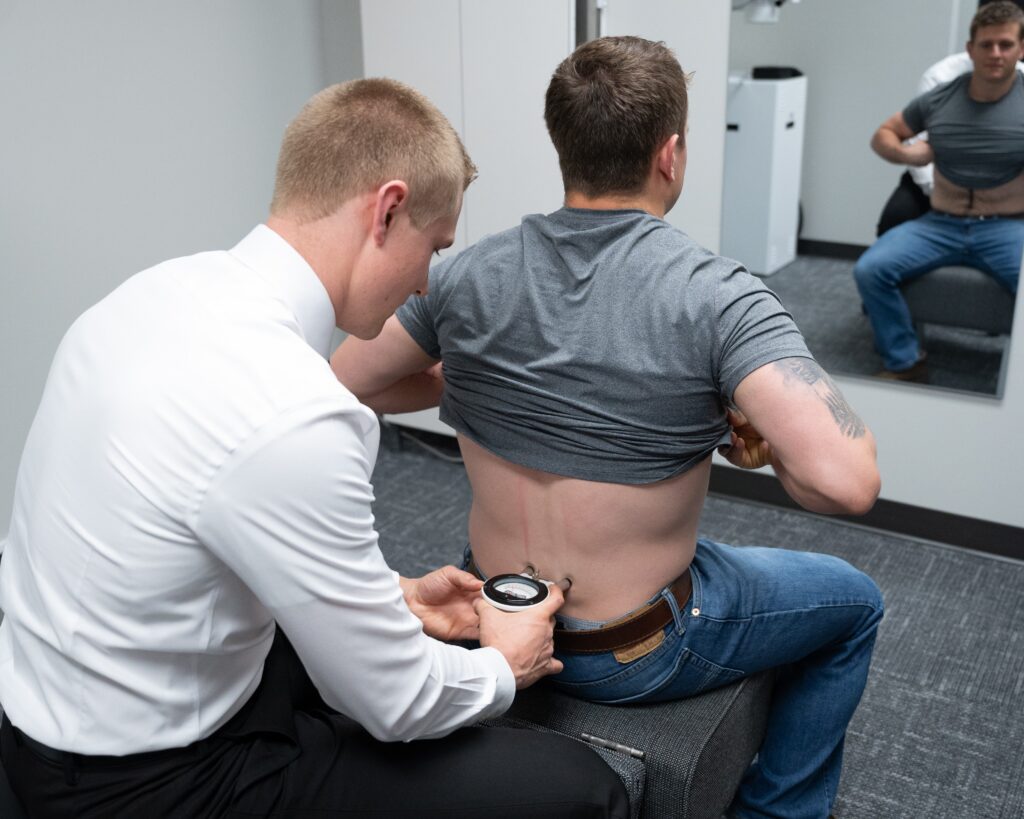
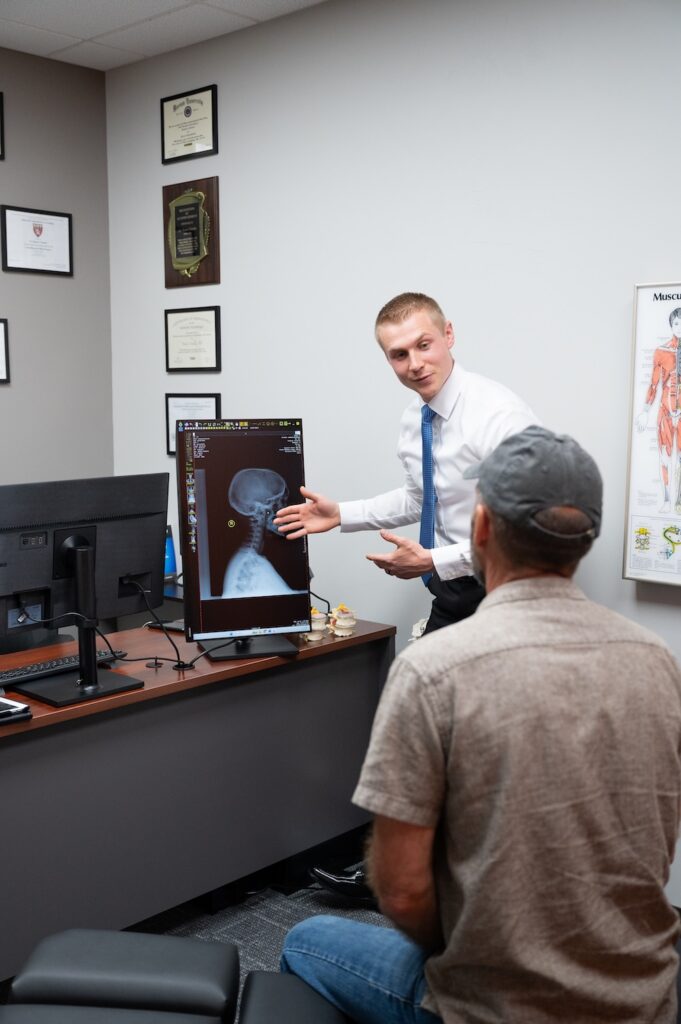
How can a professional ergonomic assessment transform your workspace? It's all about optimizing your environment to enhance comfort, productivity, and overall well-being. When you enlist an expert, they'll evaluate your desk setup, seating, and computer usage, identifying areas that might be contributing to discomfort or poor posture.
During the assessment, the professional will observe your workstation and ask about your daily tasks. This insight allows them to tailor recommendations specifically to your needs. For instance, they might suggest adjusting your chair height, repositioning your monitor, or incorporating tools like ergonomic keyboards and mice. These simple changes can greatly reduce strain on your body.
You'll also learn about proper posture habits and the importance of taking breaks. An ergonomic assessment isn't just about physical adjustments; it's about creating a holistic approach to your work routine. Your expert might recommend exercises to strengthen your core or stretches to relieve tension, helping you maintain a healthier posture throughout the day.
Investing in a professional ergonomic assessment can lead to immediate improvements in your comfort level. You might find you're more focused and less fatigued, allowing you to perform at your best.
Plus, reducing discomfort now can prevent more serious issues down the line, saving you time and money on medical treatments.
In short, a professional ergonomic assessment is a proactive step toward a healthier work life. Don't underestimate the power of a well-designed workspace—it can make all the difference in how you feel and work each day.
Conclusion
To tackle desk job posture issues, invest in ergonomic chairs and adjustable desks, and make sure your monitor is at eye level. Position your keyboard and mouse comfortably, and don't forget to take regular stretching breaks. Incorporating strengthening exercises will support your spine, while mindfulness practices keep you aware of your posture throughout the day. Consider a professional ergonomic assessment for personalized guidance. By making these adjustments, you'll promote better posture and overall well-being at work.