
Back Pain at Work: Ergonomics and Chiropractic Care in Green Bay
If your back starts aching halfway through the workday, you are not alone. Many of our neighbors here in Green Bay spend hours at a desk, on a laptop, or in meetings—and the spine feels it. The good news is that smart ergonomics and chiropractic care work hand-in-hand to reduce pain, improve posture, and keep you productive without the daily discomfort.
In this guide from 920 Chiropractic Health & Injury Care, you’ll learn why office setups matter, how sitting affects your back, and practical steps you can use today. You’ll also see where chiropractic fits in as a frontline, drug-free solution for work-related back pain.
What you’ll learn: A simple definition of work-related back pain, the biomechanics behind it, how chiropractic helps, and ergonomic tips to build a pain-free office routine in Green Bay.
Quick note: This article is educational and not a substitute for an in-person evaluation. If your pain is severe or you notice red flags (see below), seek care promptly.
What is “back pain at work”?
Back pain at work is discomfort or stiffness that develops or worsens during your workday, often from prolonged sitting, poor posture, or repetitive tasks. It can involve the lower back, mid-back, or even the neck and shoulders due to how the spine and muscles share load.
Table of Contents
- What is “back pain at work”?
- Why Work Ergonomics Matter for Your Spine
- The Biomechanics of Sitting and Office Work
- Common Workplace Triggers of Back Pain in Green Bay
- How Chiropractic Care Fits In—and Why It’s Foundational
- Your Ergonomic Game Plan: Practical, Real-World Tips
- Microbreaks and Movement Snacks You Can Actually Do
- When to See a Chiropractor
- When to Seek Medical Care Urgently
- Myths vs. Facts: Office Back Pain and Chiropractic
- Final Thoughts from 920 Chiropractic in Green Bay
- Frequently Asked Questions
- TL;DR
Why Work Ergonomics Matter for Your Spine
Your spine is built to move. It thrives on balanced alignment and varied positions. When your workstation forces you into a slouched or twisted posture, the joints of the spine, discs, and supporting muscles take on more stress than they’re designed to handle.
Over time, that extra strain can irritate joints, tighten muscles, and compress sensitive tissues. You may feel this as stiffness in the morning, achiness after lunch, or sharp pains during long meetings.
Proper ergonomics reduce these stressors. When alignment is supported, the spine moves better, muscles share the load, and your nervous system communicates more efficiently—less pain, more focus.
The Biomechanics of Sitting and Office Work
Sitting changes how your spine loads. The pelvis often rolls backward, flattening the natural lumbar curve. That increases pressure on the lower back and asks your mid-back and neck to compensate.
If your screen is low or far away, your head drifts forward. Every inch forward of head position can increase the effective load on your neck and upper back considerably. That’s why a high-quality monitor position matters.
Key idea: Alignment and movement distribute forces. A neutral spine with frequent position changes lets the body recover throughout the day instead of waiting until after work.
Common Workplace Triggers of Back Pain in Green Bay
We hear similar stories from patients across Green Bay—whether they work downtown, in office parks, or hybrid from home. The triggers are surprisingly consistent.
| Workstation Mistake | How It Stresses the Spine | Chiropractic-Informed Correction |
|---|---|---|
| Slouched sitting with rounded shoulders | Overloads lumbar discs and tightens mid-back muscles | Use lumbar support; scoot hips back; keep chest open and shoulders relaxed |
| Low or side-mounted laptop screen | Forward head posture; neck and upper back strain | Raise screen to eye level; center monitor; use external keyboard and mouse |
| Chair too high or feet dangling | Posterior pelvic tilt and lower back stress | Adjust chair so hips are level or slightly above knees; add a footrest if needed |
| Keyboard too far away | Reaching pulls you into a slump | Keep elbows near sides; forearms parallel to floor |
| Never changing positions | Static load increases muscle fatigue | Alternate sit/stand; take brief movement breaks every 30–60 minutes |
How Chiropractic Care Fits In—and Why It’s Foundational
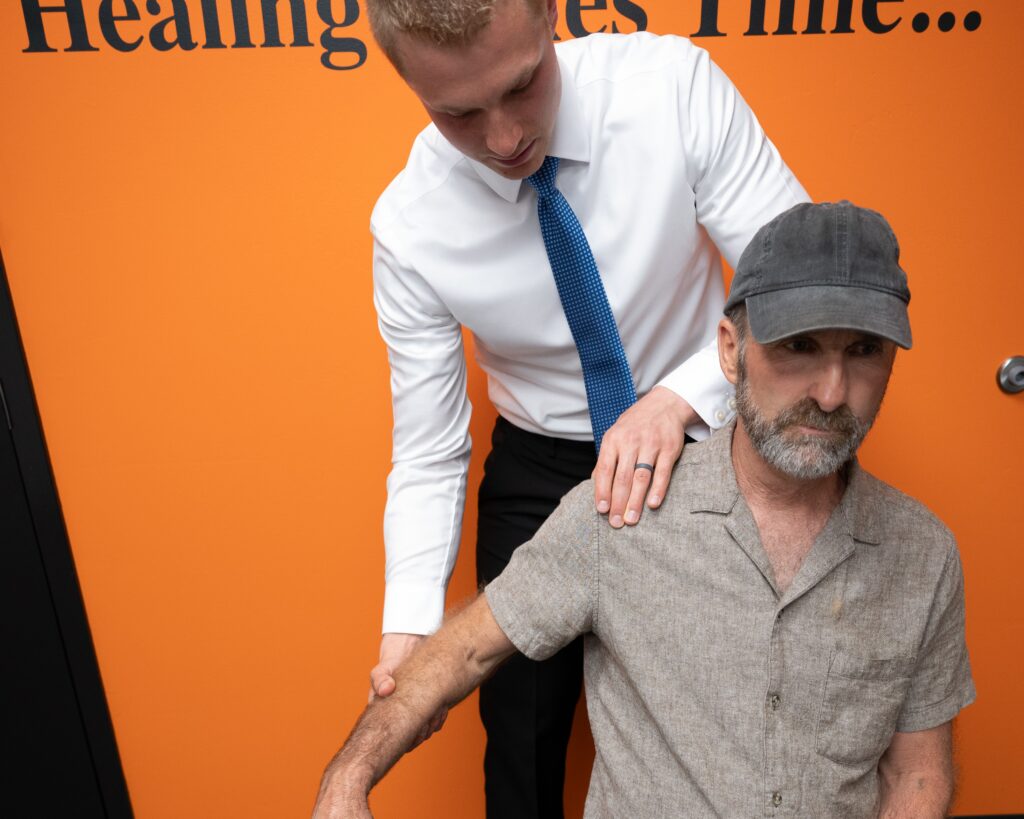
Ergonomics is most effective when your spine can move the way it was designed. That’s where chiropractic comes first. Our focus is restoring joint motion, improving alignment, and reducing irritation in the spine and related joints.
When joints move better, posture becomes easier to maintain. Muscles stop overcompensating. Many patients find ergonomic changes “click” only after their spine is functioning well under chiropractic care.
Evidence-based guidelines from reputable organizations include spinal manipulation among recommended nonpharmacologic options for back pain management. Research suggests chiropractic adjustments can help reduce pain and improve function for many people with spine-related discomfort. Sources such as the American College of Physicians and reviews summarized by AHRQ discuss spinal manipulation as a conservative, drug-free approach for low back pain. Results vary by individual, but the trend supports its role in frontline care.
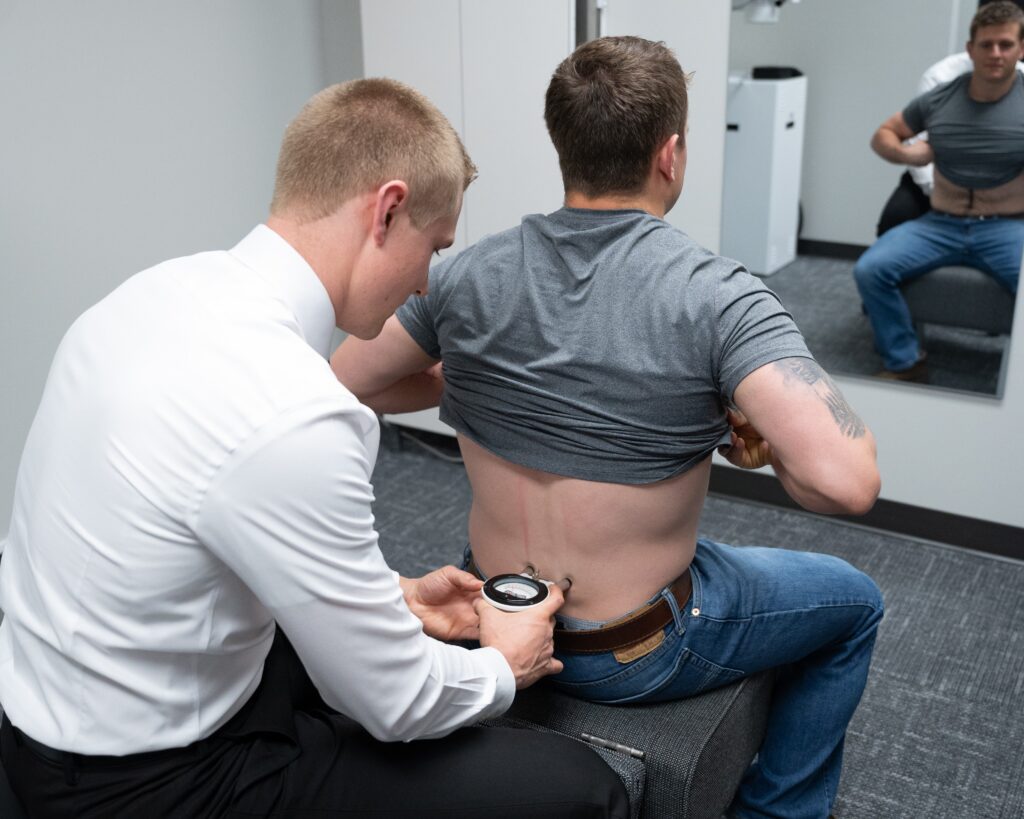
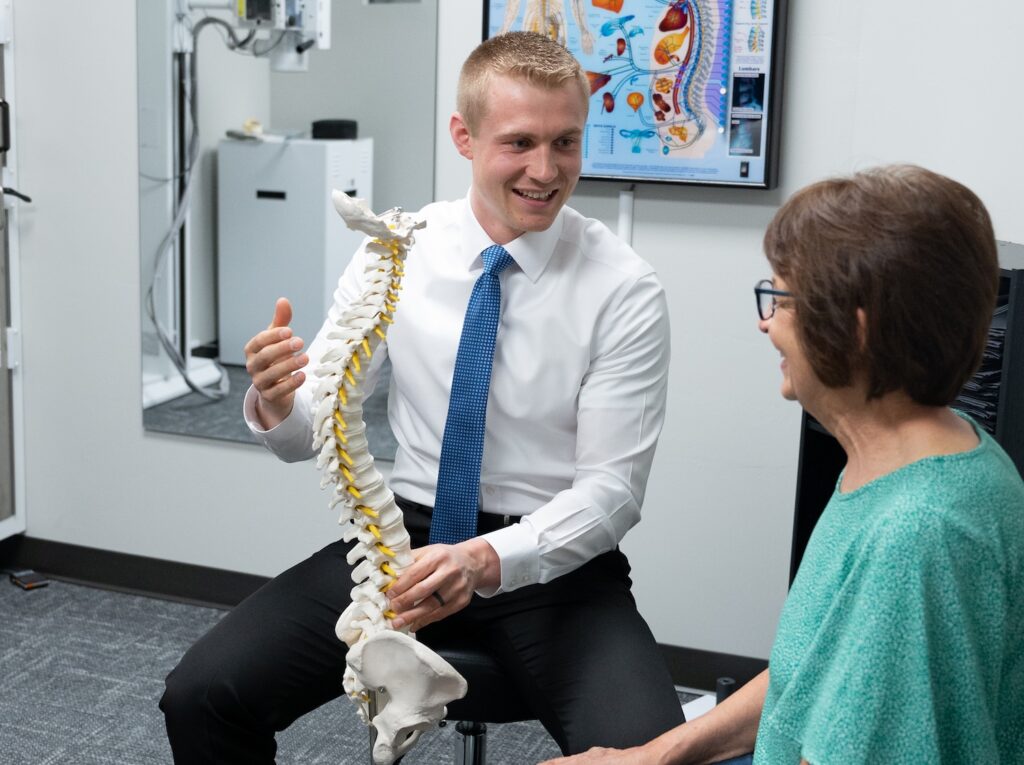
At 920 Chiropractic Health & Injury Care, we evaluate the whole picture: spinal motion, posture habits, work setup, and daily activities. Care may include precise chiropractic adjustments, movement education, and guidance to personalize your workstation. That combination helps you feel better now and prevent flare-ups later.
For reference: See the American College of Physicians guideline on noninvasive treatments for low back pain (Annals of Internal Medicine, 2017) and AHRQ reviews on noninvasive approaches. These sources discuss spinal manipulation among conservative options without medications.
Your Ergonomic Game Plan: Practical, Real-World Tips
Let’s make your workspace spine-friendly. Tackle one or two changes at a time, then build from there.
Chair and hips: Sit all the way back so your hips touch the backrest. Keep hips level with or slightly above knees. Add a small lumbar pillow or rolled towel to support your lower back’s natural curve.
Feet and legs: Feet flat on the floor or footrest. Avoid crossing legs for long periods. Keep a small gap between the chair edge and the back of your knees.
Monitor and head: Top of the screen around eye level. Center the screen in front of you. If using a laptop, raise it and add an external keyboard and mouse.
Keyboard and mouse: Keep them close. Elbows near your sides, bent about 90 degrees. Wrists neutral—no big bends up, down, or sideways.
Desk height: For many people, a desk height that allows relaxed shoulders and neutral wrists works best. If shoulders creep up to your ears, lower your surface or raise your chair and add a footrest.
Phone and meetings: Use a headset for calls. Avoid cradling the phone between your ear and shoulder. In long meetings, shift positions and sit tall.
Lighting: Glare makes you lean forward. Adjust lighting and screen brightness so you can sit upright without squinting.
Bag and commute: Keep your bag light and switch sides or use a backpack with two straps. On the drive to and from work, sit upright with the seatback near 100–110 degrees and use lumbar support.
Microbreaks and Movement Snacks You Can Actually Do
Small, frequent breaks protect your back more than one long gym session at the end of the day. Aim to change position every 30–60 minutes. Even one minute helps.
Stand and reset posture. Roll your shoulders gently. Take a few relaxed belly breaths to reduce tension through your mid-back and neck.
Walk to fill your water bottle or take a lap around the office. Movement brings nutrients to your joints and eases muscle fatigue.
Try a gentle hip hinge. With feet under hips, tip forward slightly from the hips while keeping your spine long, then return upright. This wakes up glutes and eases lower back strain.
When appropriate, add gentle mobility drills our team can show you in person. We tailor these to your spine and any specific sensitivities we find during your exam.
When to See a Chiropractor
Chiropractic is a smart first step for most spine-related aches from office work. Consider scheduling if:
- Pain, stiffness, or headaches persist more than 1–2 weeks despite simple changes.
- Symptoms keep returning during the workweek or after long drives.
- You notice numbness or tingling that doesn’t improve with position changes.
- You struggle to sit, stand, or concentrate because of back or neck discomfort.
- You want a preventive plan to stop small issues from becoming big ones.
At your visit, we’ll examine how your spine moves, check posture patterns, and review your workstation. We’ll design a plan focused on restoring joint motion and comfort so your ergonomic changes have maximum impact.
When to Seek Medical Care Urgently
Most work-related back pain is not an emergency. However, seek urgent medical attention if you notice any of the following red flags:
- Progressive leg weakness, loss of coordination, or difficulty walking
- Loss of bowel or bladder control, or numbness in the groin/saddle area
- Unexplained fever, chills, or unintentional weight loss with back pain
If you are unsure where your symptoms fit, call our office. We’ll help you determine the best next step.
Myths vs. Facts: Office Back Pain and Chiropractic
There are many myths about posture, sitting, and chiropractic. Here are a few we hear in Green Bay, along with clarifications.
Myth: “It’s normal for office workers to hurt. You just have to live with it.”
Fact: Common does not mean normal. Addressing alignment, workstation setup, and spinal function helps most people feel and work better.
Myth: “If I buy an expensive chair, my back pain will disappear.”
Fact: A good chair helps, but it can’t fix restricted joints or long-standing muscle patterns. Chiropractic care restores motion and makes ergonomic upgrades more effective.
Myth: “Standing all day is the answer.”
Fact: Variety is the answer. Alternate between sitting, standing, and brief movement. Your body prefers change over any one position.
Myth: “If my X-ray/MRI looks fine, the pain must be in my head.”
Fact: Many painful problems are functional—how joints move and muscles support you. These don’t always show on imaging but respond well to conservative care.
Final Thoughts from 920 Chiropractic in Green Bay
Work should not wear your spine down. With the right plan, you can feel better, move better, and get more done—without the afternoon slump.
Here in Green Bay, we help office workers, professionals, and hybrid employees build comfortable, sustainable setups. If back pain at work has become a pattern, we’re here with clear answers and hands-on care.
Have questions about your desk, chair, or recurring aches? Reach out to 920 Chiropractic Health & Injury Care. We’re glad to help you find a pain-free routine.
Frequently Asked Questions
How high should my computer monitor be?
Set the top of the screen near eye level and center it in front of you. You should be able to look straight ahead without tilting your head up or down.
Is a standing desk better for back pain?
Standing desks help many people, but the key is alternating positions. Rotate between sitting, standing, and short movement breaks throughout the day.
Can chiropractic help if my pain is mostly tightness?
Yes. Tightness often reflects restricted joint motion or compensation patterns. Chiropractic aims to restore motion and reduce muscle guarding, which can ease tightness.
What’s the best type of chair for office work?
One that supports a neutral spine. Look for adjustable height, lumbar support, and a seat that lets your feet rest flat. Fit and setup matter more than the brand.
How soon should I see a chiropractor for work-related back pain?
If symptoms persist beyond a week or two, keep returning, or limit your focus or sleep, it’s reasonable to be evaluated. Early care helps prevent chronic patterns.
Do I need imaging before chiropractic care?
Most of the time we will take x-rays to see the overall condition of your spine and any underlying tissue damage.
TL;DR
- Back pain at work is common but not inevitable—alignment and frequent movement protect your spine.
- Chiropractic care is a frontline, drug-free way to restore motion and make ergonomics work better for you.
- Set your chair, monitor, and keyboard to support a neutral posture; change positions every 30–60 minutes.
- See a chiropractor if pain lingers, returns weekly, or limits your focus; seek urgent care for red-flag symptoms.
- Here in Green Bay, 920 Chiropractic Health & Injury Care can help you build a pain-free, productive office routine.
Selected references for context: American College of Physicians Clinical Practice Guideline on Noninvasive Treatments for Low Back Pain (Annals of Internal Medicine, 2017); Agency for Healthcare Research and Quality (AHRQ) resources on noninvasive management of low back pain.