If your back starts aching by mid-afternoon, you are in good company. Hours of sitting, long meetings and laptop work put steady strain on the spine. The good news is that small changes to your workstation and your routine can make a real difference.
This guide covers practical ergonomic fixes, easy movement breaks, and when it makes sense to have your back checked. It is general education and does not replace an in-person exam.
What Is “Back Pain at Work”?
Work-related back pain is discomfort or stiffness that starts or gets worse during the workday. It is often linked to long periods of sitting, slouched posture or repetitive tasks, and it can affect the low back, mid-back, neck and shoulders.
Why Office Ergonomics Matter for Your Spine
Your spine is built to move and does well with variety. Sitting slouched or twisted for hours keeps the same joints, discs and muscles under load without a break. Over time, that can show up as morning stiffness, afternoon aches or sharp pain after a long meeting.
When you sit, your pelvis tends to roll backward, flattening the natural curve of your low back. If your screen is low or far away, your head drifts forward and your neck and upper back work harder to hold it up. Good ergonomics reduce these stresses, and changing positions often gives your tissues a chance to recover.
Common Workstation Mistakes and Quick Fixes
- Slouching with rounded shoulders: sit back so your hips touch the backrest, and add lumbar support.
- Laptop screen too low or off to the side: raise it to eye level, center it, and use a separate keyboard and mouse.
- Chair too high or feet dangling: adjust so your feet rest flat, or add a footrest.
- Keyboard too far away: bring it close so your elbows stay near your sides.
- Staying in one position all day: change positions every 30 to 60 minutes.
Your Office Ergonomic Checklist
Change one or two things at a time so you can tell what helps.
Chair and Hips
Sit all the way back in the chair. Your hips should be level with or slightly above your knees. A small lumbar pillow or rolled towel behind your low back can help you keep its natural curve.
Feet and Legs
Keep your feet flat on the floor or on a footrest. Avoid crossing your legs for long periods, and leave a small gap between the front of the seat and the backs of your knees.
Monitor and Head Position
Place the top of your screen near eye level and directly in front of you, about an arm’s length away. If you use a laptop, raise it on a stand and add an external keyboard and mouse.
Keyboard, Mouse and Desk Height
Keep your elbows close to your sides and bent about 90 degrees, with wrists straight. If your shoulders creep toward your ears, lower the desk or raise the chair and add a footrest.
Phone, Lighting and Commute
- Use a headset instead of cradling the phone between your ear and shoulder.
- Reduce glare and adjust brightness so you are not leaning in to read.
- Carry a lighter bag, switch shoulders, or use a backpack with both straps.
- In the car, sit upright with the seatback slightly reclined and support for your low back.
Microbreaks and Movement Snacks
Short, frequent breaks often help more than one long workout at the end of the day. Even a minute of movement every 30 to 60 minutes counts:
- Stand up, reset your posture, roll your shoulders and take a few slow breaths.
- Walk to refill your water or take a quick lap around the office.
- Try a gentle hip hinge: feet under your hips, tip forward from the hips with a long spine, then return to standing.
If any movement causes sharp pain or pain that travels down a leg, stop and have it checked.
Myths and Facts About Office Back Pain
- Myth: Office workers just have to live with back pain. Fact: It is common, but small changes and the right care often help.
- Myth: An expensive chair will fix it. Fact: Fit and setup matter more than price, and stiff joints or habits still need attention.
- Myth: Standing all day is the answer. Fact: Variety is the answer. Alternate sitting, standing and moving.
How Chiropractic Care Can Help
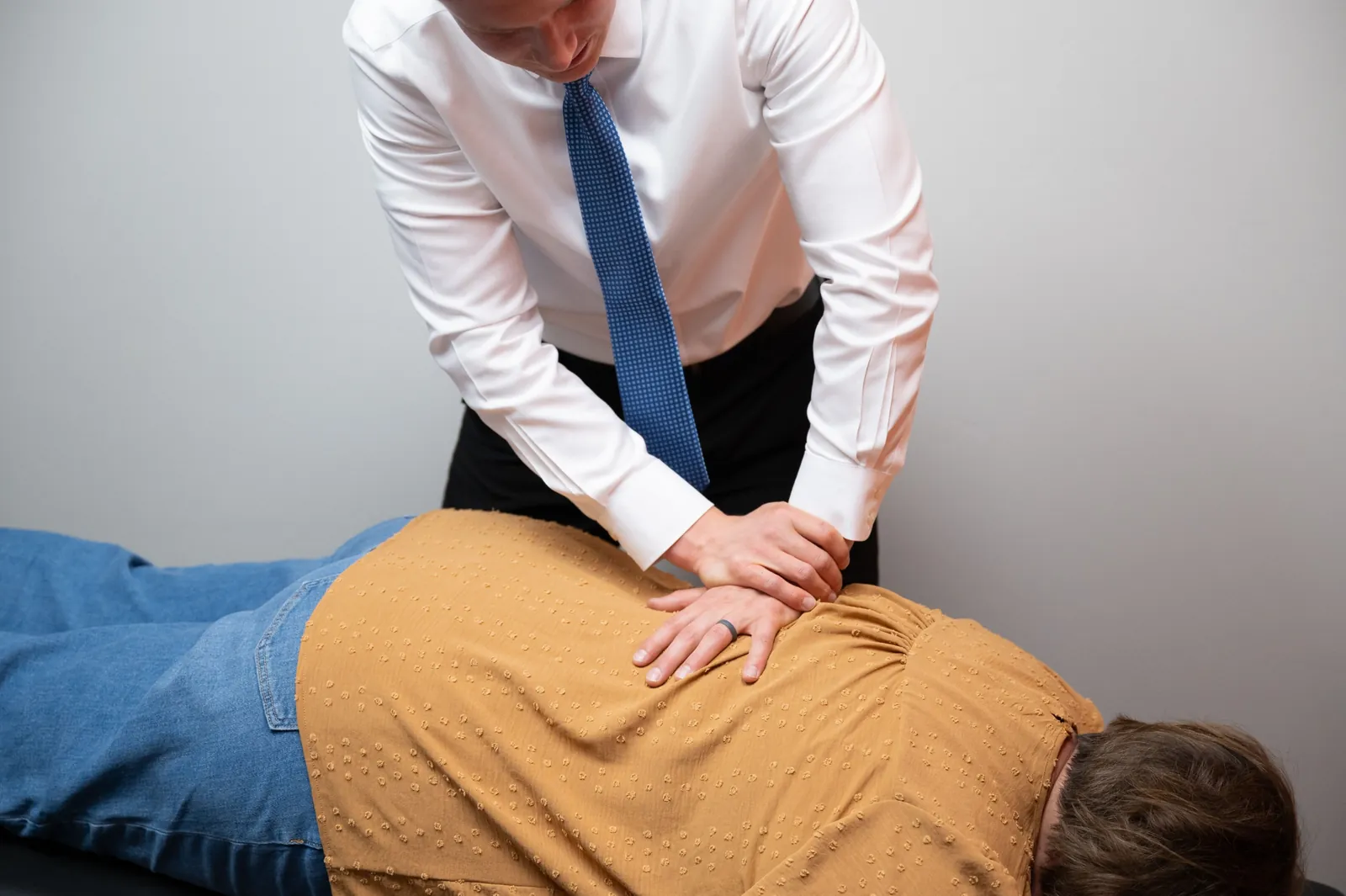
Ergonomics address your environment; chiropractic care looks at how your spine is moving. Clinical guidelines from the American College of Physicians list spinal manipulation among the nondrug options for low back pain, and research suggests it may help some people with pain and function. Results vary.
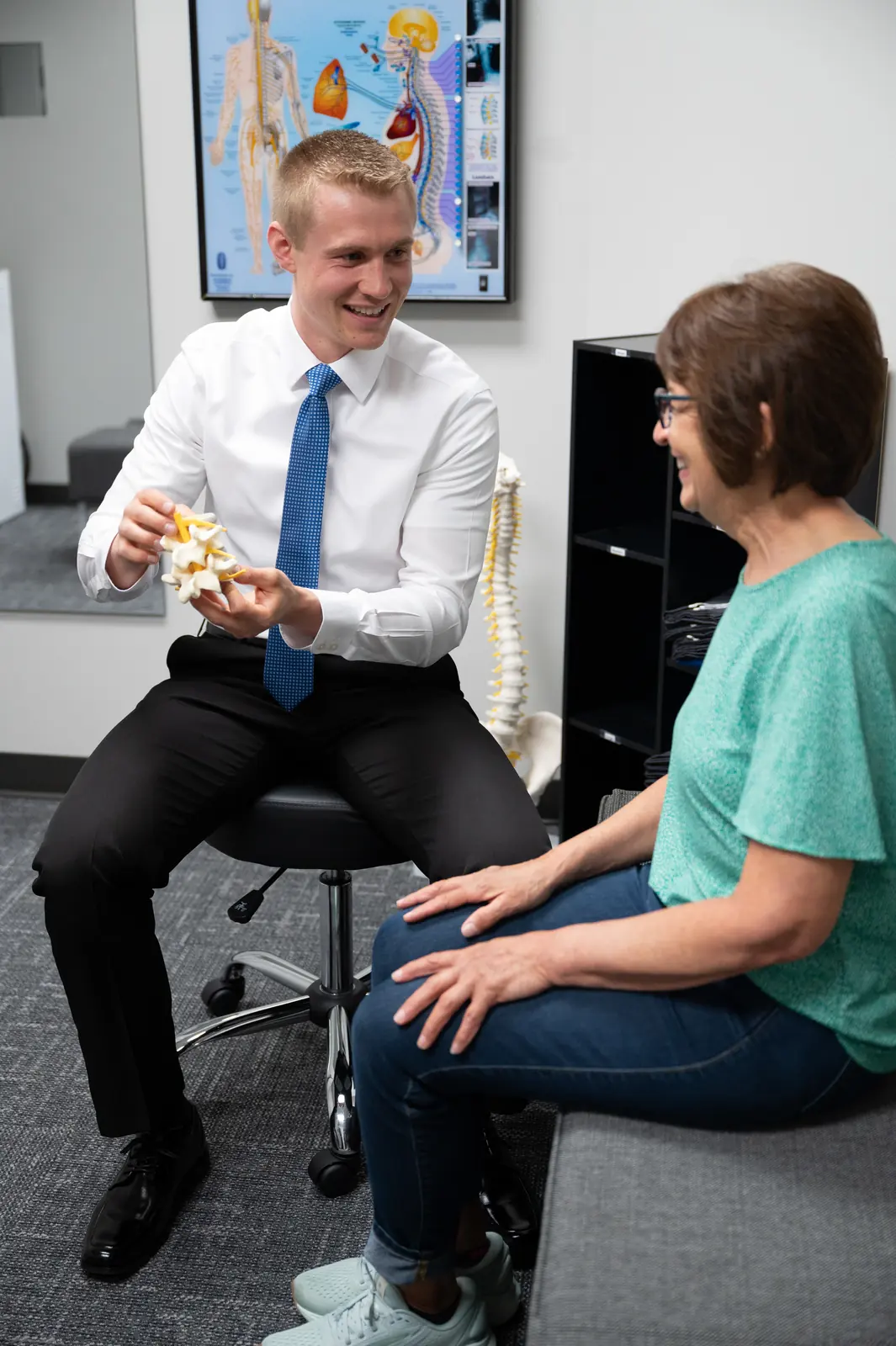
At our office, Dr. Hunter Schultz checks spinal motion and posture, asks about your workstation and daily tasks, and builds a plan that may include adjustments, movement tips and workstation advice. Learn more about back pain care in Green Bay and our approach to poor posture.
Consider an evaluation if pain lasts more than a week or two despite these changes, keeps returning during the workweek, causes numbness or tingling that does not ease when you move, or makes it hard to focus or sleep. New patients can start with our $18 new patient special.
Frequently Asked Questions
Set the top of the screen at or slightly below eye level and center it in front of you, about an arm’s length away. You should be able to look straight ahead without tipping your head up or down. If you use two monitors equally, place them side by side with the seam directly in front of you.
A standing desk can help many people, but standing all day is not the goal. The key is variety: alternate between sitting and standing every 30 to 60 minutes and add short walks. When standing, keep your weight balanced, avoid locking your knees, and consider an anti-fatigue mat and supportive shoes.
Look for a chair with adjustable seat height, adjustable lumbar support and a seat depth that leaves a small gap behind your knees. Armrests that let your shoulders relax are a plus. Fit and setup matter more than price or brand, so adjust it to your body and try it before you buy if you can.
Not always. Dr. Hunter decides based on your history and exam. X-rays may be helpful after an injury, when pain has lasted a long time, or when certain exam findings are present. If they are needed, they can be taken on site. Many people with simple desk-related back pain do not need imaging.
Related Care in Green Bay
- Chiropractic CareHands-on adjustments based on a thorough exam and, when needed, X-rays.
- Spine X-RaySpinal X-rays when clinically needed, so care is based on what is really going on.
- Back PainLow and mid-back pain, stiffness and spasms.
- Poor PostureTech neck, rounded shoulders and desk posture.
- Work InjuryLifting, repetitive and on-the-job injuries.
Sources