
Share this episode:
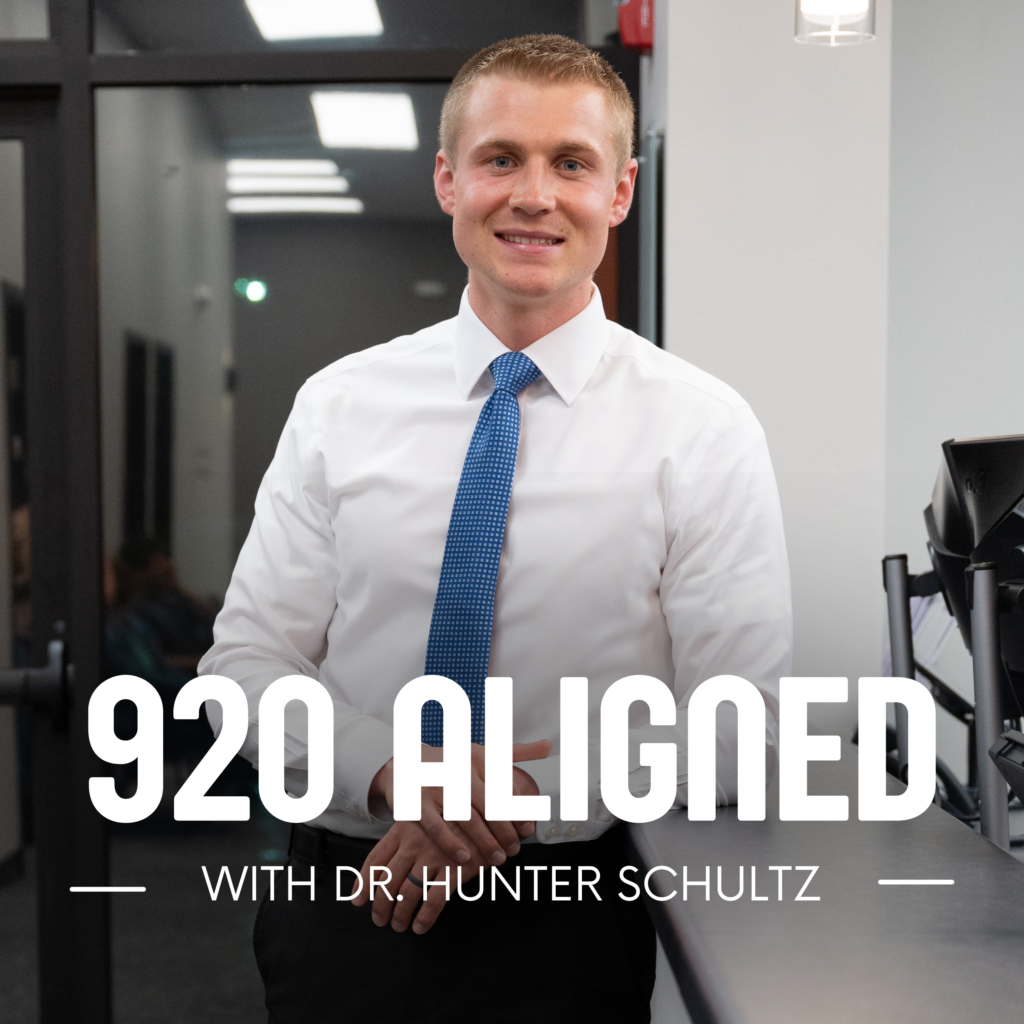
In this episode, Dr. Hunter Schultz of 920 Chiropractic Health & Injury Care in Green Bay breaks down the fundamentals of ergonomics and why proper workspace setup matters for nearly every one of his patients.
From desk height and chair positioning to screen placement, Dr. Schultz walks you through actionable adjustments you can make at home and at the office to reduce strain and prevent injury.
Whether you work a 9-to-5 at a desk or spend evenings scrolling on the couch, this episode gives you the tools to make smarter choices about how you set up your space and protect your long-term health.
Hey there, welcome back. I’m Doctor Hunter Schultz from nine twenty Chiropractic Health and Injury Care here in Green Bay, and today we’re talking about something that affects almost every single one of my patients — ergonomics. Now, I know that word can sound a little technical, but stick with me, because this is genuinely one of the most practical things you can apply to your life starting today. We’re talking about how you set up your space — your desk, your chair, your screen — and how those small details can either protect your body or slowly wear it down over time.
Here’s what I hear constantly in my office. People come in with neck pain, shoulder tension, low back stiffness — and when I ask them about their daily routine, they describe sitting for six, seven, eight hours a day in a setup that’s just not working for their body. And the frustrating part is, they didn’t do anything dramatic. No accident, no big injury. Just years of small stresses adding up. That’s exactly what poor ergonomics does. It’s a slow burn.
So let’s talk about what actually matters. First — your screen height. Whether you’re at a desktop, a laptop, or even working from your kitchen table, your screen should be roughly at eye level. If you’re looking down at a laptop all day, your head is drifting forward, and that puts a tremendous amount of strain on your neck and upper back. Think about it this way — your head weighs around ten to twelve pounds. For every inch it shifts forward, the stress on your spine roughly doubles. That adds up fast. So raise your laptop on a stand, prop it up on some books, whatever works — just get that screen up where you’re not constantly craning your neck downward.
Second — your chair and your posture at the hips. Here’s what I want you to think about. When you sit, your hips should be at roughly a ninety degree angle, maybe even slightly open, with your feet flat on the floor. A lot of people are either sitting too low, which rounds the lower back, or too high, which puts pressure under the thighs. If your chair isn’t adjustable, a small cushion or a folded blanket under your seat can make a real difference. And try to keep your lower back supported — either with the chair’s lumbar support or a rolled-up towel placed right at that natural curve of your spine.
Third — and this is a big one — movement. No ergonomic setup, no matter how perfect, is going to save you if you’re completely still for hours on end. Your spine loves movement. It’s designed for it. So set a timer, every thirty to forty-five minutes, stand up, walk around for a minute or two, do a few gentle neck rolls, stretch your chest open. It doesn’t have to be a whole routine. Just break up that static posture regularly. That simple habit alone can dramatically reduce the tension that builds up through a long workday.
Now here’s some practical advice for your home setup too — especially since so many of us are working from couches or beds these days. I get it, it’s comfortable. But working from a soft surface with no support is one of the fastest ways to create postural problems. If you can, designate a real workspace with a chair and a surface at the right height. Even a kitchen table with a good chair beats a couch every single time for your spine.
And one more thing — check your wrists and shoulders while you type. Your wrists should be relatively neutral, not bent upward or downward. Your shoulders should be relaxed, not shrugged up toward your ears. If you catch yourself tensing your shoulders, take a breath, let them drop, and reset.
Now, if you’re already dealing with neck pain, back pain, or headaches that seem to get worse through the workday — that’s your body talking to you. Those are signs that something needs attention. A chiropractic evaluation can help us figure out exactly what’s going on and get you feeling better, not just managing discomfort.
Come see us at nine twenty Chiropractic Health and Injury Care right here in Green Bay. We’d love to help you move better, feel better, and work more comfortably every single day. You can reach out to us through our website or give us a call — we’re here for you. Thanks so much for listening, and I’ll talk to you next time.

I have never been to a chiropractor before. I've heard stories since my high school days about how they "work wonders". My girlfriend, who works the in the medical field is somewhat skeptical. So honestly, I was on the fence. I've been having significan back and neck issues, and the doctors have not been particularly fruitful in their efforts. So, I gave it a whirl. It took a few sessions and some faith on my part, but yeah, my back is way better, after a few weeks. I can honestly say it was money well spent, and the quacks at Bellin need to rethink what they're doing in the medical field. Now, as for this place... I'll start with the staff at the front desk (keeping the names private as a courtesy). They are wonderfully friendly and helpful. I hope they continue working there for a long time because 33% of my visit is seeing and bantering with them. Truly great. And then there's Mr. Backfixer himself, Dr. Shultz, who certainly knows what he's doing. Holy cats, he has some decent talent. That pain I had is WAY more manageable now. I mean, I can actually look behind myself, without having an episode of 'My Painful Existence'. I sincerely wished I had done this sooner. It would have saved so much time, hassle, and money. All-in-all, it is worth it. 5 wedges of cheese out of 5.

I come here for my adjustments and always have a great experience! The front desk staff is super friendly and helpful. The doctor takes the time to explain everything clearly and has a plan to address my issues. I’m really glad I found this place and definitely recommend it!

The Decompression table is helping with my lower back issues and avoid surgery

I sustained neck and back injuries while in the Marines 20 years ago. I have had chiro work done throughout these years but nothing can compare to the relief I experience from the spinal decompression. Between that, along with the friendly staff and expert care I highly recommend coming here. You wont be disappointed.

Have been pain free since coming here! Can't be happier, glad I made the choice to come in.

Absolutely love it here! Have had so many problems for over 5+ years with my jaw, neck, shoulders, etc and Dr. Schultz has already helped me tremendously even after only a few sessions! 10/10 definitely recommend!! 🙌🏻💯

So grateful for everyone at 920, I’ve never felt better!

Super happy with my treatments. Everything is working well again. Would certainly recommend to anyone.

I am so grateful for Dr. Shultz, Faith and even the new girl whose name escapes me.😬. I came in with a severe herniated disc with nerve impingement which made it hard for me to stand for more than a couple minutes and had me walking either a walker. For 8 months I was passed around from dr to dr either no relief from anything. Within 4 session I was able to ditch the walker and I am improving with every session. I have my life back and look forward to a future with no pain! Thanks you guys, you’re amazing!

Very friendly and professional. My back feels so much better since I started coming here. Highly highly recommend!

⭐⭐⭐⭐⭐ I had a really great experience at 920 chiropractic. Everyone was friendly and professional, and they made me feel comfortable right away. The Dr. Hunter listened to my concerns, explained everything clearly, and took great care of me. I really appreciated how attentive and welcoming they were. I’d definitely recommend this clinic to anyone looking for quality chiropractic care!

I couldn’t be happier with the care I’ve received from Dr. Hunter. I started with some minor back pain, and now my back feels great. I’m also more flexible than I’ve been in years. I highly recommend Dr. Hunter!